Pinterest to Cookbook: How to Save Pinterest Recipes Properly
How to save Pinterest recipes the right way — the pin is a link, not the recipe. Plus what to do for boards with 30 recipes to migrate.
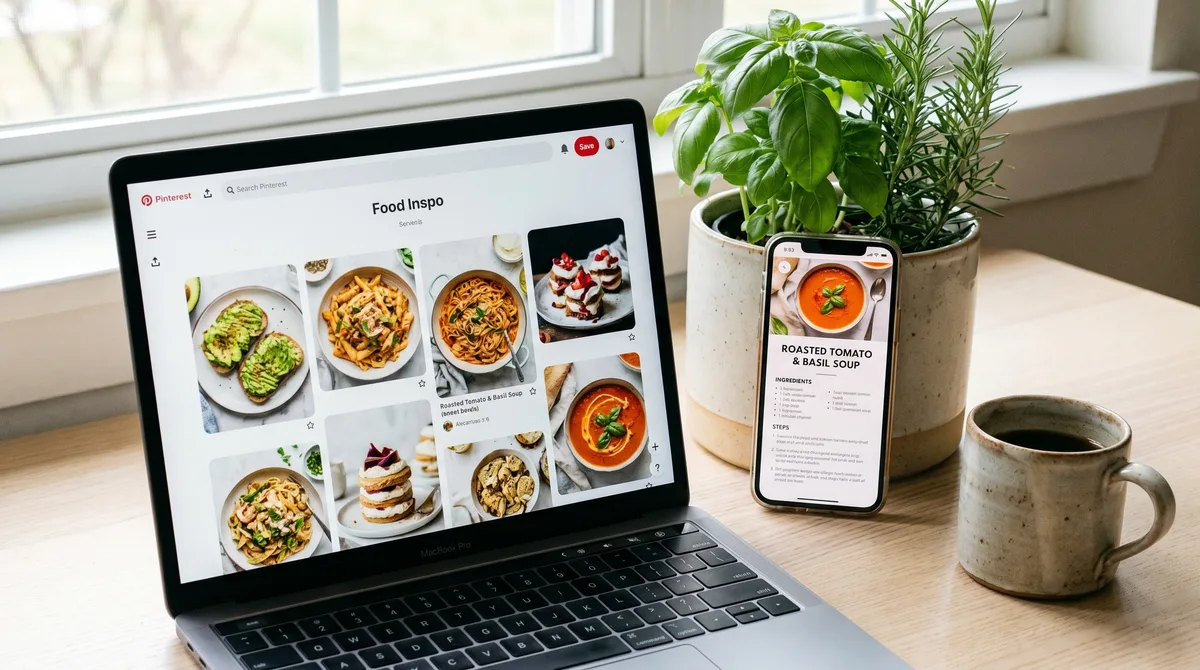
Pinterest is a recipe-discovery layer over the recipe websites you'd already be importing from directly. Most "save Pinterest recipes" advice misses this distinction — the Pinterest pin doesn't contain the recipe, it links to the recipe. The right workflow optimizes for that.
The right workflow
- Find the recipe pin in Pinterest.
- Tap the pin to open the source link. The link goes to the actual recipe website.
- Save the recipe in one of two ways:
- Tap the share icon → Forktastic → Save (iOS via Safari extension), or
- Copy the URL → open Forktastic → + → Import from URL → paste.
This is genuinely the entire workflow. Tap-tap-save.
Why not save the pin itself?
The pin is an image and a link. It doesn't contain the structured recipe data — that lives on the source website. If you saved the pin's image, you'd have a pretty thumbnail with no ingredients or steps. The source URL is the part that matters.
For Pinterest pins where the recipe is in the description, not the linked site
Some Pinterest pins put the entire recipe in the pin's description rather than linking to a useful source. For those, copy the description and paste-text into Forktastic. Paste-text walkthrough.
For Pinterest boards full of recipes you want to migrate
Pinterest doesn't offer a bulk export of pin URLs. Practical workflow: walk through your Recipes board, tap each pin to open the source link, save via URL import. With the Safari extension on iOS this is roughly two taps per recipe. A board of 30 recipes takes about 15 minutes.
Where to go next
For the URL import details, URL import walkthrough. For the Safari extension setup, extension guide. For the broader import field, import pillar.