Meal Planning with Dietary Restrictions (GF, Vegan, Allergies)
Multi-dietary-restriction meal planning — dietary tags flag, allergens hard-block. Setup walkthrough plus the 'substitute protein' workflow.
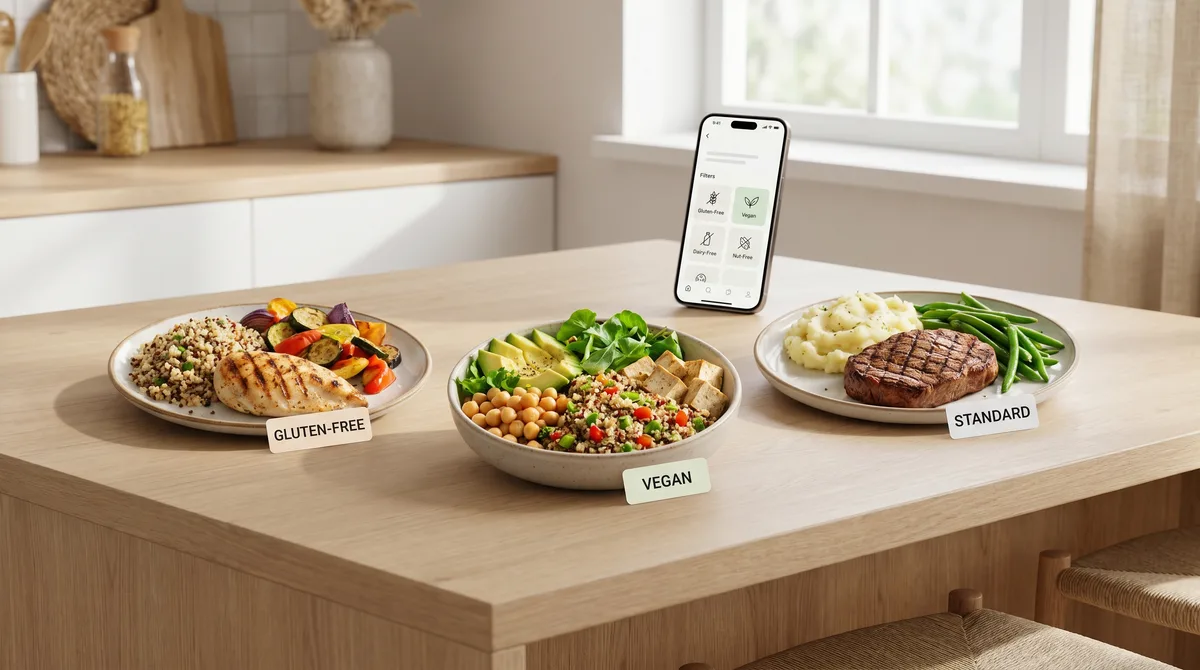
If you cook for a household with dietary restrictions — gluten-free, vegan, dairy-free, halal, kosher, allergen-aware — the meal planner has to do more than just "show me recipes." It has to know what's safe, what's flagged, and what's hard-blocked. This post is the practical walkthrough of how Forktastic handles each of the common dietary patterns.
The four common patterns
Gluten-free
The most common dietary restriction in 2026. Forktastic tags recipes with a gluten-free flag based on ingredients — if the parser sees wheat, barley, rye, or common gluten-containing ingredients, the recipe is flagged as not gluten-free. In planner Family mode, recipes that violate any member's GF flag get a visible warning before they're added to the plan.
Vegetarian / vegan
Standard tag system — recipes are categorized by the parser. Vegan is stricter than vegetarian (no dairy, eggs, honey). The planner respects the strictest constraint in the family group.
Dairy-free / lactose-intolerant
Often paired with vegan but also independent — many people are dairy-free without being vegan. Forktastic supports the separate tag.
Halal / kosher
The dietary tags include halal and kosher; however these designations depend on more than ingredients (sourcing, preparation). Forktastic's tags are based on ingredient parsing — they flag recipes that obviously violate (pork, alcohol for halal; shellfish, pork, dairy-meat mixing for kosher) but don't certify recipes as halal or kosher. Use the tags as a first filter, not a guarantee.
Allergens — the hard-block category
Dietary tags are preferences. Allergens are safety. The Forktastic allergen filter hard-blocks recipes that contain any flagged allergen for any family member. The eight common allergens (peanuts, tree nuts, dairy, eggs, soy, wheat, fish, shellfish) plus sesame are supported. Add custom allergens in the family member's profile if you need others (mustard, celery, lupin, etc).
The hard-block can be overridden per-plan (e.g., adults-only dinner when the allergic family member is away) but the default is conservative.
Setting it up
- For each family member in Family Sharing, edit their profile → Dietary tags and Allergens.
- Set the dietary tags (vegetarian, vegan, gluten-free, etc).
- Set the allergens with severity (allergic vs intolerant). Severe allergens hard-block; intolerances flag.
- Save. The planner and discovery filter respect the constraints automatically from now on.
What the planner does in Family mode
When you go to add a recipe in Family mode:
- If the recipe violates any member's allergen, it's hard-blocked with a clear warning. Override requires explicit confirmation.
- If the recipe violates a dietary tag (vegetarian member, recipe has meat), it's flagged but allowed. You can plan it anyway if you'll cook a substitute for that member.
- If the recipe is clean for everyone, it's added with no friction.
The "substitute protein" workflow
For households where one member is vegetarian and the others aren't, the most common pattern is: cook the main protein as the recipe specifies, swap a substitute for the vegetarian member. Forktastic doesn't auto-generate the substitute — you note it in the recipe's notes field ("Vegetarian sub: tofu") so it's there the next time you cook this recipe.
What this doesn't do (yet)
Forktastic doesn't currently generate replacement-recipe suggestions when one is blocked ("this is hard-blocked; here's a similar recipe that's allergen-safe"). That's on the roadmap. For now, the planner lets you know what's blocked and you pick the alternative manually.
Where to go next
For the meal planning pillar, meal planning pillar guide. For picky eaters specifically, picky eaters guide. For family setup that enables the per-member tag system, family setup.