Personal Access Tokens for Forktastic: Setup & Best Practices
Full PAT walkthrough for Forktastic — issuance, scope, revocation, why per-client tokens, and what to do if a token leaks.
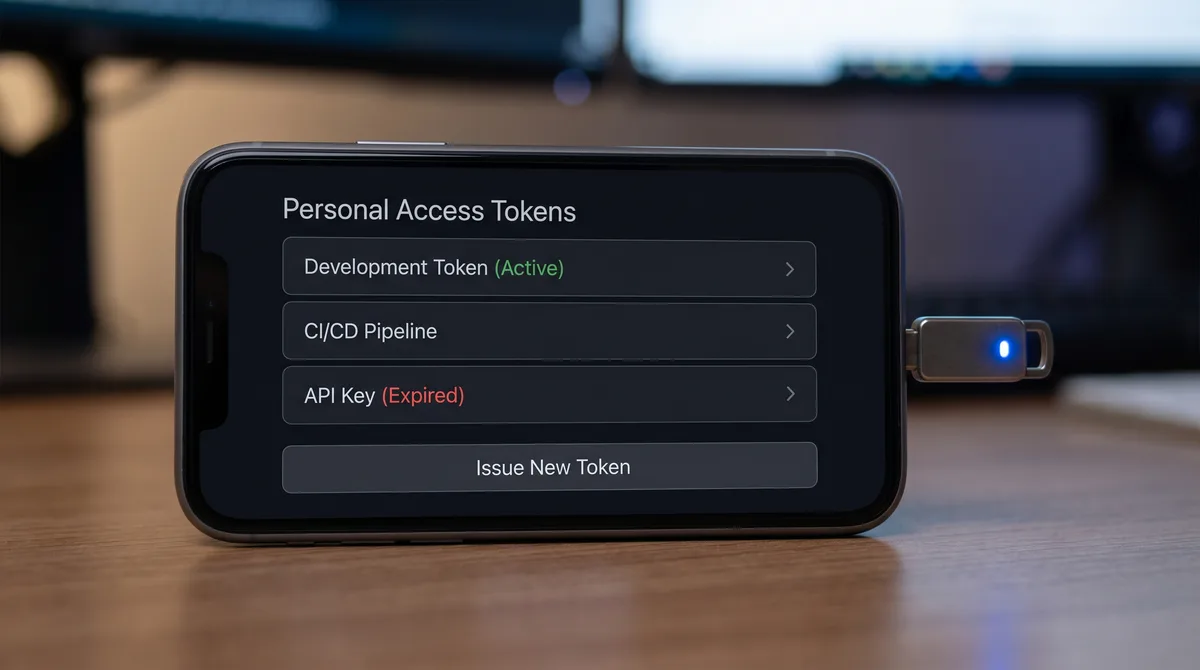
Personal Access Tokens (PATs) are how the Forktastic MCP server authenticates requests. They're short-string credentials you issue from your account, scoped to read-only access, revocable at any time. This post is the full PAT walkthrough — issuance, scope, revocation, security best practices.
What a PAT is
A long random string (think 40+ characters) that uniquely identifies one token associated with your account. When you authenticate to the Forktastic MCP server, you pass the PAT in the Authorization header. The server matches it to your account and grants read-only access to your recipe library.
How to issue one
- Open Forktastic.
- Settings → Personal Access Tokens.
- Tap "New Token."
- Give it a label — "Claude Desktop," "Cursor," "my-agent-server," whatever describes its use.
- Tap "Create."
- Copy the token immediately — it's shown once. After this screen, the full token isn't viewable again (only the last few characters, for identification).
Why issue separate tokens for separate uses
One PAT per client is the right pattern. If you use Claude Desktop on your laptop and Cursor at the office and a separate agent on a server, issue three PATs labeled accordingly. Three reasons:
- Revocation is granular. If your laptop's PAT leaks, you revoke just that one without disrupting your office work.
- Rate limits don't pool. Each PAT has its own 60/min and 5,000/day buckets, so a runaway agent on one machine doesn't throttle the others.
- Audit trail. You can see which PAT is making which requests in usage logs.
What a PAT grants
Read-only access to your account's data — your recipes, your cookbooks, your family group, trending recipes (public data). Nothing else. The MCP server's tools are all read; there is no write endpoint, no create-recipe API, no delete-anything API.
The PAT also can't see other users' data. Even within a family group, the PAT only reads what your account is entitled to see (your own recipes plus the family-shared content the family owner has shared).
How to revoke a PAT
Settings → Personal Access Tokens → tap a token → Revoke. Immediate; the token stops working within a few seconds. Re-issue if you need a new one.
Always revoke when:
- A device with the PAT is lost or stolen.
- You uninstall a client that had the PAT.
- A teammate left and had access to the PAT.
- You suspect the PAT may have been exposed (committed to git, leaked in logs).
Security best practices
- Never commit a PAT to git — treat them like passwords. Use environment variables in your config.
- Never share a PAT in chat, even with a teammate. They should issue their own.
- Don't reuse a PAT across machines. Issue one per machine.
- Rotate tokens periodically. Every 6-12 months, revoke and re-issue active PATs.
What to do if a PAT leaks
Revoke it immediately. Issue a new one. Update wherever the old PAT was used. The damage from a leaked Forktastic PAT is bounded — read access to your recipes only — but the principle of fast revocation matters.
Where to go next
For Claude setup, Claude walkthrough. For Cursor, Cursor walkthrough. For rate limits, rate limits reference. For the MCP pillar, MCP pillar guide.