Read Recipe Steps Aloud: TTS for Hands-Free Cooking
TTS step reading in Forktastic — hear the recipe instead of reading it. System voices, six languages, read-faster control. When TTS shines.
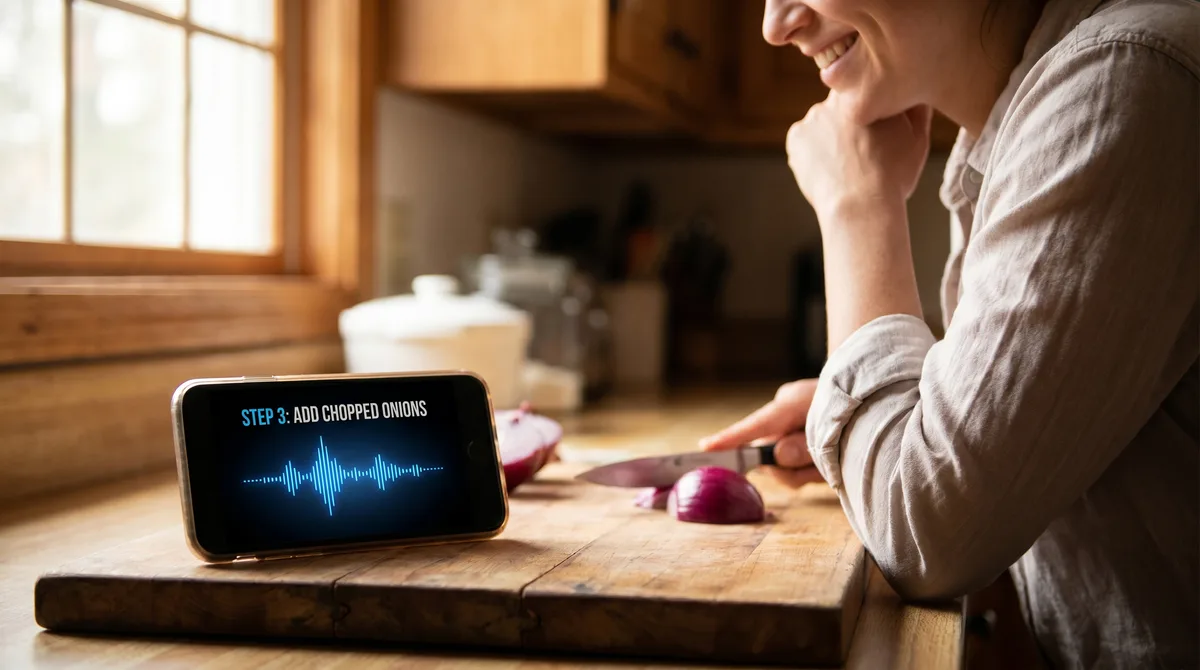
Reading a recipe is a different cognitive experience than having one read to you. When you read, your eyes do the work of finding the next instruction, your hands stay still on the page, and you switch attention between the recipe and the food repeatedly. When the recipe is read aloud, your eyes can stay on the food, your hands keep working, and the next instruction arrives at the pace the voice sets.
Forktastic's TTS (text-to-speech) step reading is the feature that does this. It's also one of the most consistently-praised features by users we hear from. This post covers how it works, when it shines, and what to know about voices.
How it works
In Cook Mode, tap the speaker icon or say "Read this step." Forktastic reads the current step aloud in the selected locale's voice. Tap again to pause; "Pause" works by voice too. When the step is done, the voice stops; navigate to the next step with "Next step" (or tap), and "Read this step" works on the new step.
The voice is the system TTS voice — Siri-style on iOS, Google TTS on Android. Forktastic doesn't ship its own voice synthesis (and we don't want to — the system voices keep improving every year, and we benefit from those improvements for free).
When TTS shines
Long multi-step bakes where you need to monitor a sourdough's fold cycles. Hands stay on the dough.
Dishes with constant stirring like risotto. Eyes on the pot.
Cooking with vision impairment where reading the screen isn't an option. Accessibility-focused walkthrough.
Bilingual cooks who prefer to hear the recipe in their native language even if the recipe is saved in another. Multilingual voice.
Reading along while doing dishes or cleaning at the same time. Not actively cooking — just having the recipe in the room.
Read faster, read slower
The voice speaks at the system-default pace by default. "Read faster" speeds it up by about 15%. "Read slower" slows it down by 15%. The setting sticks across steps until you exit Cook Mode.
For someone hearing a recipe for the first time, default pace works. For familiar recipes, "Read faster" twice (about +30%) is the right tempo — you don't need to hear "preheat the oven to 375 degrees Fahrenheit" at half-speed.
What voices are used
The system voice for the current locale. On iOS that's the same voice Siri uses; on Android it's Google TTS. Both are high quality in 2026 — the days of robotic-sounding TTS are largely behind us.
If you prefer a different voice (say you want a specific accent or a custom voice you've installed), change it in your phone's system settings under Accessibility → Spoken Content → Voices. Forktastic uses whatever voice you've set.
Languages
TTS in all six Forktastic-supported languages (English, Spanish, French, German, Portuguese, Arabic). The voice follows the app's locale setting. Multilingual setup.
Where to go next
For voice cook mode broadly, voice pillar. For commands, 14-command reference. For accessibility, accessibility walkthrough.