Cooking with Vision Impairment: How Voice Mode Helps
Voice cook mode for users with vision or motor accessibility needs — VoiceOver/TalkBack support, TTS, dynamic type, and voice-driven cooking that's not gimmick.
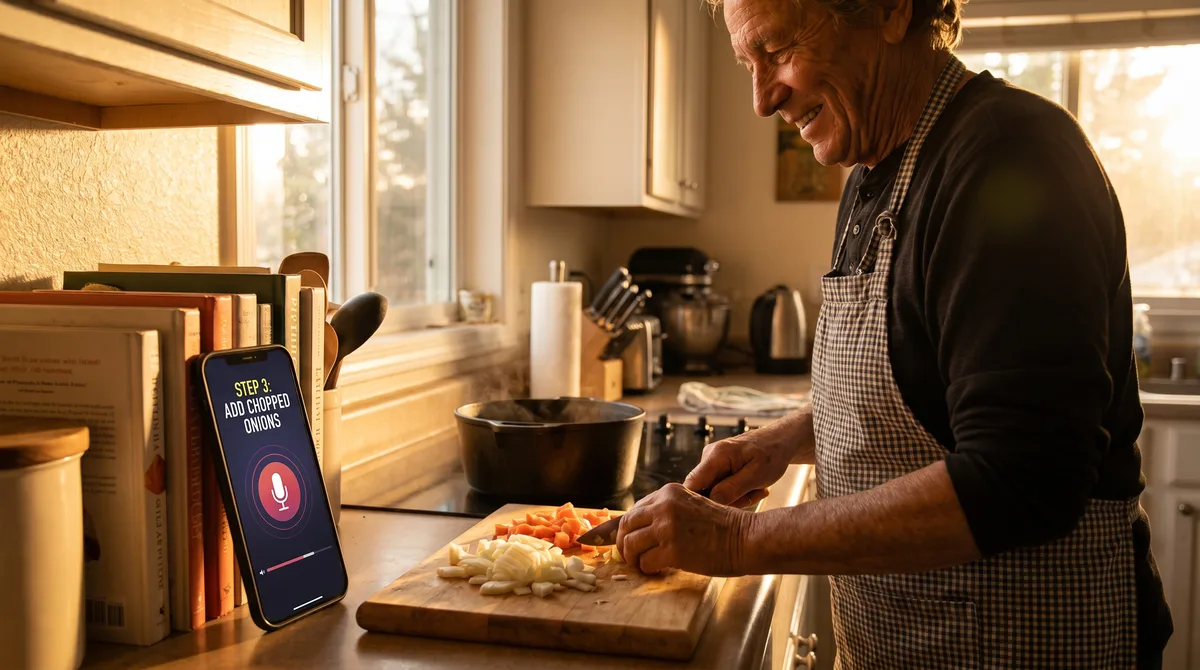
For users with low vision, limited fine motor control, or other accessibility needs, the voice cook mode in Forktastic isn't a convenience feature — it's the thing that makes a recipe app usable at all. This post is for readers in that situation, and for the caregivers, family members, and accessibility advocates supporting them.
What the app does
- 14 voice commands in Cook Mode, covering navigation (next step, previous step, repeat), timers, and TTS playback.
- TTS step reading in the selected locale.
- System accessibility integration — VoiceOver on iOS and TalkBack on Android both work with Forktastic throughout the app, not just in Cook Mode. Recipe titles, ingredient lists, navigation buttons all have proper accessibility labels.
- Dynamic Type / Font scaling — text scales with the system setting all the way up to the largest accessible size.
- High-contrast and dark modes — both supported, follow system setting.
The single most useful command
For users who cook by sound rather than sight: "Repeat that" re-reads the current step in TTS. Tap the screen accidentally and lost your place? "Repeat that" puts you back. Forgot what step 4 said? "Repeat that." It's the single highest-leverage command in the accessibility context.
VoiceOver / TalkBack compatibility
Forktastic's UI respects the standard system reading order. Lists are properly traversable; buttons have descriptive labels; recipe cards are read with title, time, and dietary tags. We test with VoiceOver on iOS and TalkBack on Android during development.
When VoiceOver / TalkBack is active, the voice cook mode and the system screen reader coexist — the screen reader handles UI navigation; Cook Mode handles recipe step navigation. They don't conflict.
Cooking with limited dexterity
For users who struggle with precise screen taps, voice commands replace nearly every cook-flow interaction. Set timers without tapping. Move between steps without tapping. Cancel timers by voice. The only required tap is launching Cook Mode in the first place; everything after that can be voice-driven.
Where this doesn't yet do enough
Honest acknowledgment: Forktastic doesn't currently support gesture-based screen navigation outside the standard system accessibility gestures (VoiceOver swipe, TalkBack swipe). Switch Control on iOS works for navigation but isn't deeply integrated with the cook flow. If you have specific accessibility needs we don't meet, we genuinely want to hear about them — accessibility is a category we want Forktastic to lead in, not lag in.
Multilingual accessibility
The TTS step reading works in all six supported languages, with Arabic RTL fully supported. For users whose primary language isn't English, this matters more than the spec sheet suggests — most accessibility features are English-first. Multilingual voice cook mode.
Where to go next
For the voice cook mode pillar, voice cook mode pillar. For the 14-command reference, voice commands. For TTS specifically, TTS walkthrough.