One-Click Grocery Lists: From Meal Plan to Shopping List
The plan-to-grocery flow in Forktastic — one tap from three planned recipes to a deduplicated shared list. Plus how 'have' marking saves money.
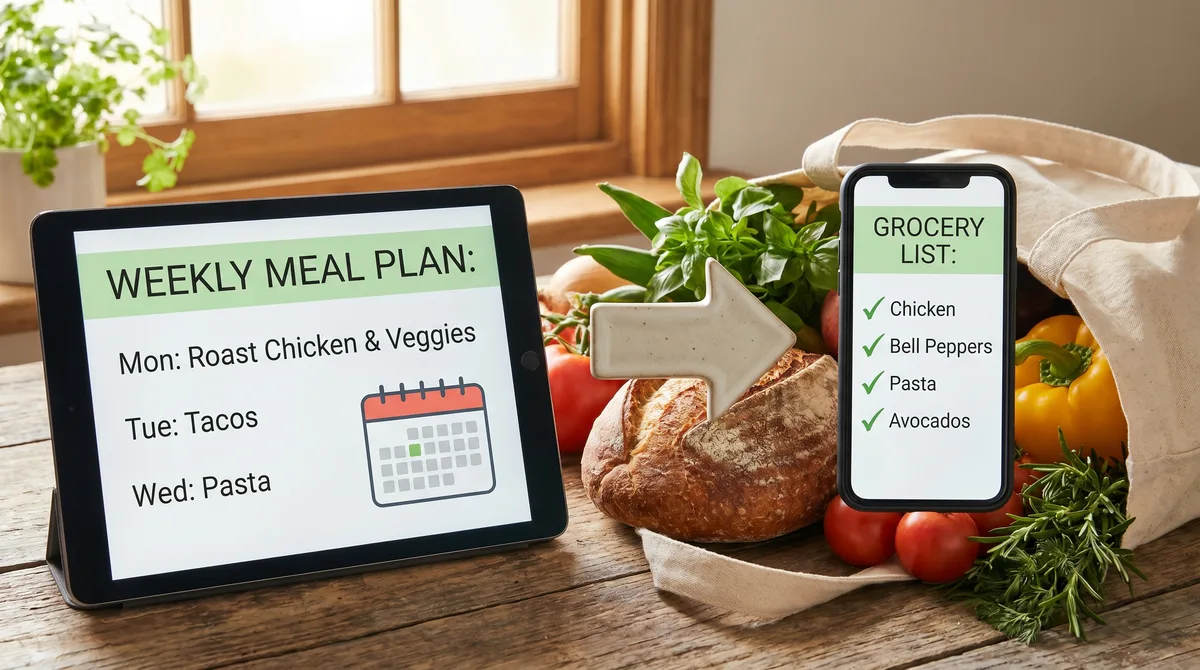
This is the workflow that pays for the meal-planning effort. You picked three recipes for the week; Forktastic builds the grocery list from those three recipes in one tap. The "I'll just check the fridge before I leave" approach loses to a planned list every single time.
The one-tap flow
- Open the weekly planner. Three recipes are scheduled (or however many you picked).
- Tap "Build Grocery List."
- Forktastic pulls every ingredient from every planned recipe and deduplicates (two recipes that both use garlic → one entry of garlic).
- Mark what you already have. Tap any item to mark "have" — pantry staples, things you bought last week. They drop off the list.
- Add one-off items. Toothpaste, dog food, kid snacks — anything the recipes don't cover.
- Done. The list is ready for the store or for Instacart.
Family-shared by default
If you're in a family group, the list is shared. Anyone in the household can add items, mark items "have," or check items off at the store. Real-time sync. Best shared grocery list comparison.
Ordering
Items appear in the list in a cart-friendly order — produce, proteins, pantry, dairy, frozen — matching how most grocery stores are laid out. You can reorder manually by dragging.
For shoppers who like to organize by aisle, the cart-friendly order matches their layout closely. For shoppers who shop by category (everything for one recipe at a time), enable "Group by recipe" in the list settings.
Quantities and units
Forktastic handles unit conversions when recipes specify different units for the same ingredient. Two recipes both call for olive oil, one in tablespoons and one in cups — the list shows the combined amount in the larger unit (or whatever unit you set as default).
Pantry vs shopping list
The "Mark have" workflow is the bridge between your meal plan and your actual fridge. Items you marked "have" stay tracked as pantry items — Forktastic doesn't currently have a full pantry-management feature, but the "have" marking persists across plans so you don't accidentally re-buy what you marked last week.
Going to Instacart
One tap sends the list to Instacart for delivery or pickup. Instacart walkthrough.
What if I change the plan mid-week?
Remove a recipe from the plan: the list updates to remove ingredients only that recipe needed (preserving shared ones). Add a recipe: its ingredients drop into the list. The list reflects the current state of the plan in real time.
Where to go next
For the meal planning pillar, meal planning pillar. For Instacart specifically, Instacart walkthrough. For the broader shared-list comparison, best shared grocery list.