Log Meals to Health Connect on Android (Recipe → Macros)
Health Connect meal logging on Android — Forktastic writes macros, every compatible health tracker reads them. Setup walkthrough.
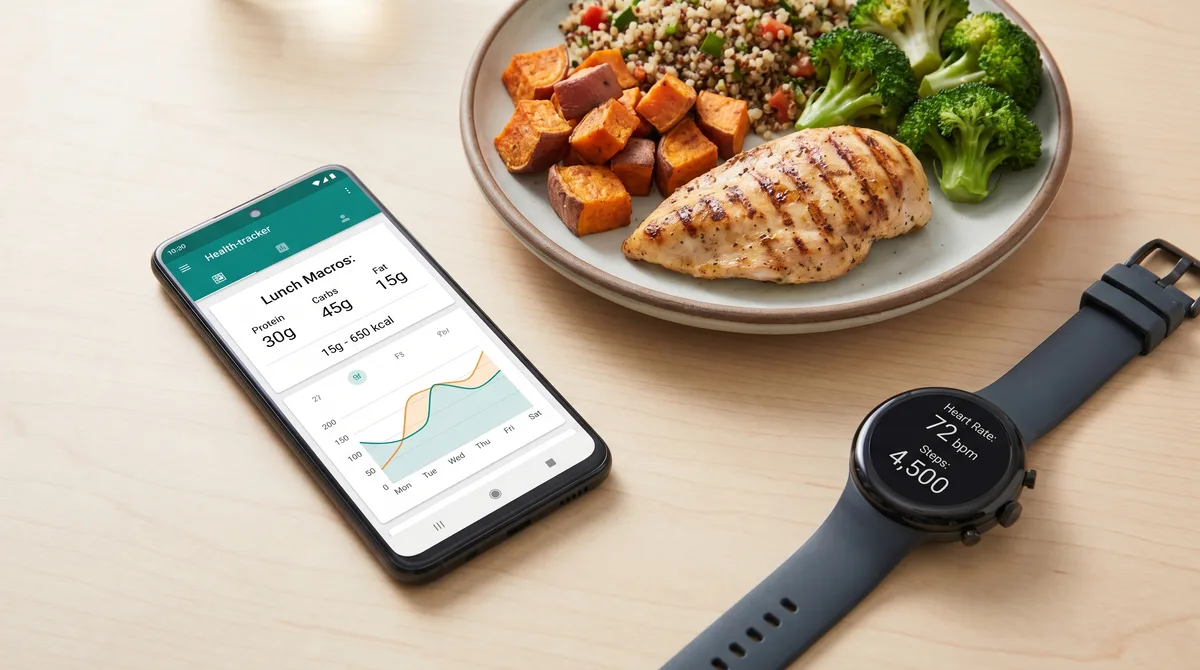
Android's Health Connect is the unified data layer between fitness, nutrition, and health apps. It does for Android what HealthKit does for iOS — gives a single store for nutrition data that any compatible app can read or write. Forktastic logs cooked meals directly to Health Connect with full macros. This post is the Android-specific walkthrough.
What Health Connect is
Health Connect is a Google-built API and data store, available on Android 13+ and downloadable from the Play Store for older Android versions. It's the bridge that lets Forktastic's logged meals show up in Fitbit, Samsung Health, MyFitnessPal-style trackers, and any other Android health app that integrates.
If you don't already have Health Connect installed, the first time you tap "Log to Health" in Forktastic, the app prompts you to install it.
The flow
- Cook the recipe.
- Tap "Log to Health" at the end, or toggle "Log when done cooking" upfront.
- Forktastic writes the meal to Health Connect with calories, protein, carbs, fat, fiber, and other macros from the recipe.
- The data shows up in whichever Android health app you use — Fitbit, Samsung Health, Google Fit, third-party trackers — assuming they read from Health Connect.
Setup, one time
Settings → Health Connect → Grant permissions. Like iOS, Health Connect uses category-level permissions: grant access to calories, protein, carbohydrates, fat. Without these the log is incomplete.
If you use Samsung Health or Fitbit, also open those apps and check that their Health Connect integration is enabled (they usually are by default on Samsung phones and Fitbit-paired devices).
What this looks like in your tracker
In Fitbit, your daily nutrition section now has data. In Samsung Health, the Food tab shows the cooked meals as entries. In Google Fit, the macros appear in the daily summary.
The exact UI varies by tracker app — Forktastic writes to Health Connect's standard format, and each tracker app renders it how they choose. We don't control that downstream rendering; we control the data quality.
For families and shared cooking
Health Connect is per-account on the phone. Each family member logs to their own Health Connect data store. If two family members cook the same dinner together, each of their phones logs the meal independently. Family pillar guide.
What about older Android versions?
Health Connect is supported back to Android 9 via the Play Store install. If you're on Android 8 or earlier, Forktastic still works but can't log to Health Connect.
Where to go next
For iPhone users, Apple Health walkthrough. For the meal planning pillar, meal planning pillar. For Android-specific app comparison, best recipe app Android.