Family Recipe Backup: Never Lose a Recipe Again
Five layers of backup for your family's recipe library — cloud sync, Family Sharing redundancy, PDF export, account recovery, and portable export.
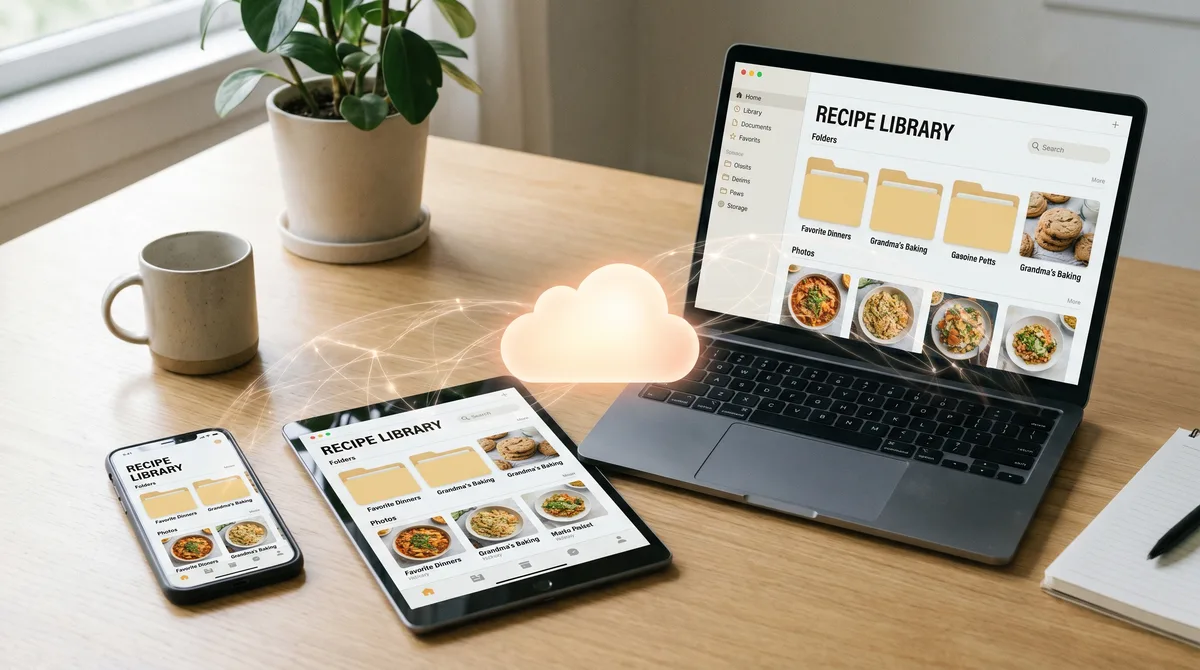
The fear most families don't talk about: what happens to the recipe library if something happens to the device, the account, or the app. A digital-only recipe library is a single point of failure. This post is the practical playbook for making sure your family's recipes are never lost.
Layer 1 — Cloud sync
Forktastic syncs every recipe, cookbook, meal plan, and grocery-list state to the cloud automatically. Lose the phone, get a new one, sign in, the library is there. This is the foundational layer of backup and it's on by default — nothing to configure.
The cloud sync also means the library is the same across iOS, Android, and the web app. If your phone dies and you don't have an immediate replacement, sign in on the web app and the library is accessible. This is one of the things that distinguishes Forktastic from mobile-only competitors.
Layer 2 — Family Sharing as backup
If your family is using Family Sharing, the recipes added by any family member are accessible to every other member. If one member's account is somehow compromised — phone lost, account locked, person leaves — the family library survives because other members have access to the same data. This is implicit backup through redundancy. Family Sharing setup walkthrough.
Layer 3 — PDF cookbook export
The PDF Cookbook export wizard isn't only for gifts. It's also the most reliable offline backup you can make: a printed or PDF cookbook is yours, doesn't depend on Forktastic's servers, and doesn't lose data if the app shuts down tomorrow. PDF cookbook walkthrough.
For paranoid backup, generate a PDF of the full library annually. Email it to yourself, store it in your cloud drive of choice, and you have a snapshot you can re-import or re-type from if you ever need to.
Layer 4 — Account recovery
The simplest "backup" failure mode is not data loss — it's losing access to the account that has the data. Make sure:
- The email on the account is one you actively monitor and have a recovery option for.
- Two-factor authentication is enabled if your account supports it.
- At least one trusted family member knows the email. If you become unable to access your account, they can help recover it.
Layer 5 — Export anywhere
If you ever want to leave Forktastic entirely, the PDF export gives you a portable version of the library. We don't currently offer a structured-data export (JSON, CSV) but it's on the roadmap. For now, the PDF is the practical export.
What "data loss" usually actually means
True data loss — recipes that existed and are no longer recoverable — is extraordinarily rare in modern cloud-synced apps. The more common failure is account-access loss: you can't log in, the data's still there, you just can't reach it. The five layers above defend against both.
Where to go next
For the family pillar, family pillar guide. For the PDF cookbook walkthrough, PDF cookbook. For Family Sharing setup, family setup.