How to Pass Down a Family Cookbook (PDF Export Guide)
Turn your family's recipe library into a printed hardback cookbook with Forktastic's PDF export wizard. Pick recipes, pick cover, generate, print.
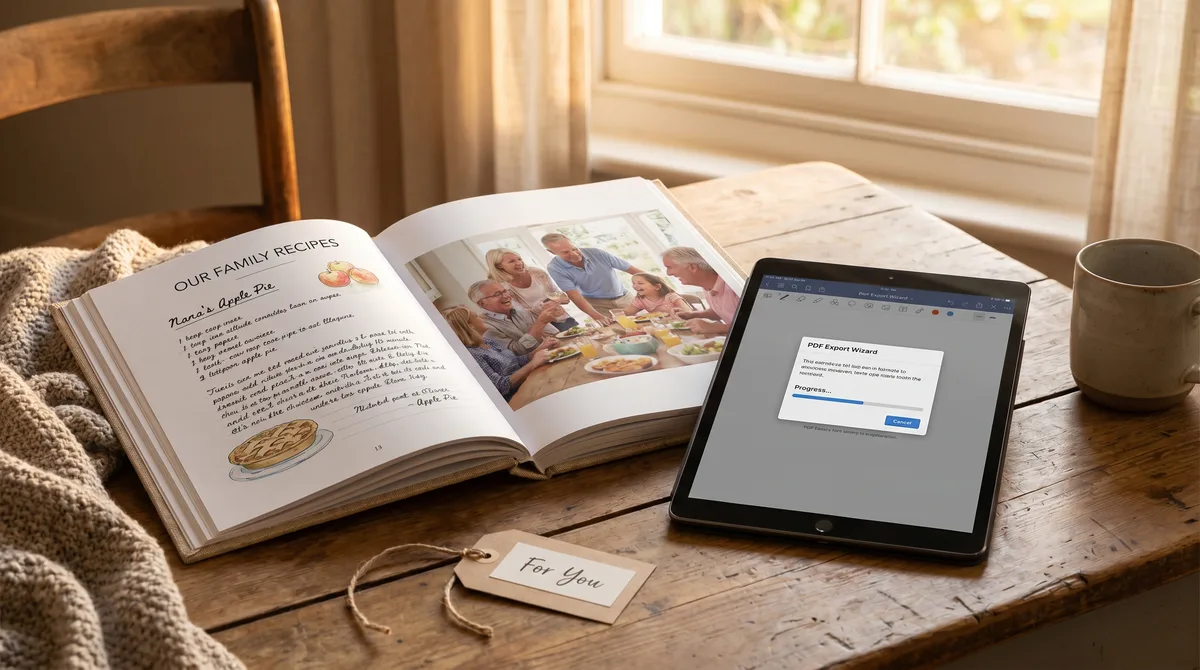
This is the single best gift idea I've ever stumbled into. Take the digital recipe library your family has built — the heirlooms, the new family favorites, the recipes everyone fights to make — and turn it into a printed hardback cookbook. Wrap it for a graduating cousin, a grandchild moving into their first apartment, or a wedding gift. People keep these forever.
Forktastic ships a PDF cookbook export wizard built for exactly this. This post is the end-to-end walkthrough.
Step 1 — Pick the recipes
Open Forktastic → PDF Cookbook → New cookbook. The wizard lets you select recipes individually or by cookbook. For a family heirloom cookbook, start by selecting your "Grandma's Kitchen" cookbook or whichever cookbook holds your family heirloom recipes. Add favorites from other cookbooks one by one.
A typical printed cookbook is 30-80 recipes. Less than 30 feels thin; more than 80 makes the printed book heavy enough that recipients use it less.
Step 2 — Pick the cover
The wizard offers a few cover styles. The two we'd recommend:
- Family photo — a cover with a single photo (Christmas dinner, the kitchen, the family) and the cookbook title.
- Minimal text — just title, subtitle, and year. Works well for traditional or formal gifts.
Use a photo that will print at decent resolution — at least 1500x2000 pixels. The wizard warns you if the photo's too small.
Step 3 — Pick the layout
Layout options control how recipes appear in the printed book:
- Photo-first — recipe photo at top of each recipe, ingredients and steps below. Magazine-style. Looks best for visually-strong recipes.
- Text-first — recipe title and ingredients at top, photo smaller and inline. Better for recipes without strong photos.
- Mixed — alternates between the two, the wizard picks per recipe.
Step 4 — Order the recipes
By cookbook, by category (appetizers / mains / desserts), or chronological. For a heirloom cookbook, "by family member" — Grandma's recipes, Mom's recipes, your own additions — often works better than category.
Step 5 — Generate and review
The wizard generates a multi-page PDF in about 30 seconds for a 60-recipe book. Open it on your phone, scroll through, check for layout issues. Common things to fix: a recipe whose ingredient list is so long it overflows the page (split into two pages in the wizard's per-recipe layout override), a photo that didn't print well (replace with a better photo or remove from the recipe).
Step 6 — Print it
The PDF is print-ready. Take it to a local print-on-demand service (FedEx Office, Staples) or upload to an online cookbook printer (Lulu, Blurb, Mixbook). For a hardback cookbook of 60-80 recipes, the print cost is usually $30-50 per copy.
Order one for yourself first as a proof. Once you've verified the print quality, order the rest as gifts.
The notes field matters here
Every recipe's notes — the story, the family context, the trick that's not in the steps — prints alongside the recipe. This is what turns a generic cookbook into a family heirloom. If you haven't digitized the handwritten cards yet, that's the prerequisite step — and pay particular attention to the notes during digitization.
Pro feature
PDF Cookbook export is gated behind Forktastic Pro. The Pro feature is unlocked for every Family Sharing member, so any family member can generate the gift cookbook if Pro is set up.
Where to go next
For digitizing the cards before this step, digitize handwritten recipes. For the Family Sharing setup, family setup. For the family pillar overview, family pillar.