AnyList vs Forktastic: Which Family Recipe App Wins in 2026
AnyList vs Forktastic — list-first vs recipe-first, family-Pro-inheritance pricing, plus the surrounding workflow.
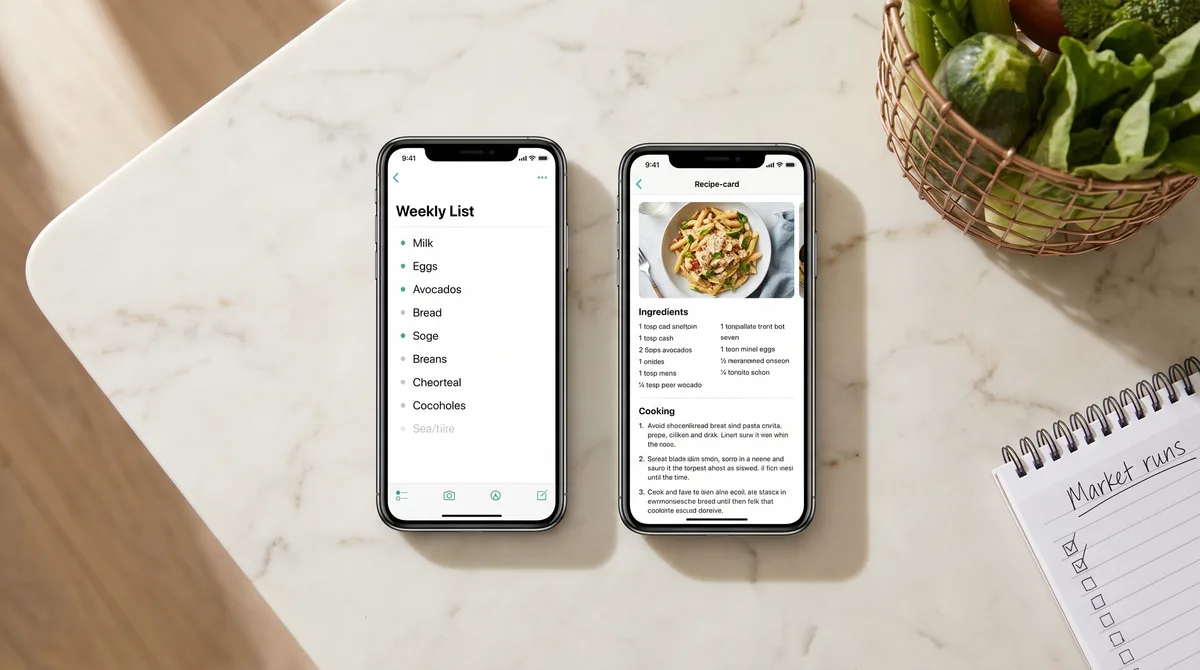
AnyList is the recipe app you reach for when the grocery list is the real problem and the recipes are secondary. Forktastic is the app you reach for when the recipes are the real library and the grocery list is one feature among many. Pick the wrong one for your household and you'll spend the next year fighting the priority of the product.
This is the honest comparison.
What AnyList does well
AnyList has been the gold standard for shared family shopping lists for years, and for good reason. The list is fast, the cart-friendly item ordering is genuinely best in class, and the real-time sync between household members is rock-solid. If your single biggest pain is "we buy the same milk twice every week" — AnyList solves that better than any list app on the market.
The recipe view in AnyList is workable. You can import recipes from URLs, save your own, and link recipes to the shopping list. The reason it works is that the list integration is so good — the recipe is essentially a structured input to the list, which is what AnyList really is at heart.
Where the model shows its limits
AnyList's family plan has historically been per-seat. If you have two adults in the house, you pay for two subscriptions — or you share one account, which sidesteps the feature most people pay for in the first place (per-person identity and sync). Worth checking current pricing, but the family model is fundamentally different from a "1 subscription covers the whole household" approach.
The recipe management surface is also lighter than a dedicated recipe app. No voice cook mode. No Apple Health / Health Connect logging. No PDF cookbook export. No MCP integration. If recipes are something you actually browse and re-cook from regularly, the recipe view in AnyList will eventually feel thin.
What Forktastic flips
Forktastic puts the recipe library at the center and gives you the shared list as a derived view. Add three recipes to the weekly plan and the list auto-builds from their ingredients. Plan-to-list walkthrough.
The household model is different too: one Pro subscription covers up to six family members with full feature parity — no per-seat upcharge. Whole-family Pro model.
And the surrounding features land here: voice cook mode (14 commands, 6 languages), Apple Health / Health Connect logging, Paprika bulk migration, PDF cookbook export, and the MCP server.
The honest matrix
| Capability | Forktastic | AnyList |
|---|---|---|
| Real-time shared grocery list | Yes | Yes (best in class) |
| Cart-friendly item ordering | Manual + smart | Best in class |
| Recipe library depth | Full recipe app | List-app-with-recipes |
| Family Pro = 1 sub for whole household | Yes (up to 6) | Per-seat |
| Voice cook mode | 14 cmds / 6 langs | No |
| Apple Health / Health Connect | Yes | No |
| Paprika bulk ZIP import | Yes | No |
| PDF cookbook export wizard | Yes | No |
| MCP / AI tool integration | Yes | No |
| Instacart hand-off | Yes | Some integrations |
The clean decision
Stay on AnyList if: The list is the main pain, the recipe library is small and stable, and you're OK paying per-seat for a multi-adult household.
Pick Forktastic if: The recipe library is growing, you cook with family, and you want one Pro subscription covering everyone — plus the surrounding workflow (voice cook mode, Health logging, PDF cookbook).
The hybrid: You can absolutely run AnyList for the list and Forktastic for recipes if you want each app's best feature without compromise. The cost is double subscription. Most households eventually consolidate to one or the other.
Where to go next
If your household is list-first, the broader best-shared-list comparison covers the full field. If your household is recipe-first, the family pillar guide covers the full Forktastic workflow. And if you're still cross-shopping recipe apps generally, the 2026 honest comparison.