Forktastic: The AI Recipe App That Imports From Anywhere
Tired of recipe chaos? Forktastic is the AI recipe app that imports from any website, social video, photo, or PDF into one organized library — plus public cookbooks, meal planning, and Cook Mode!
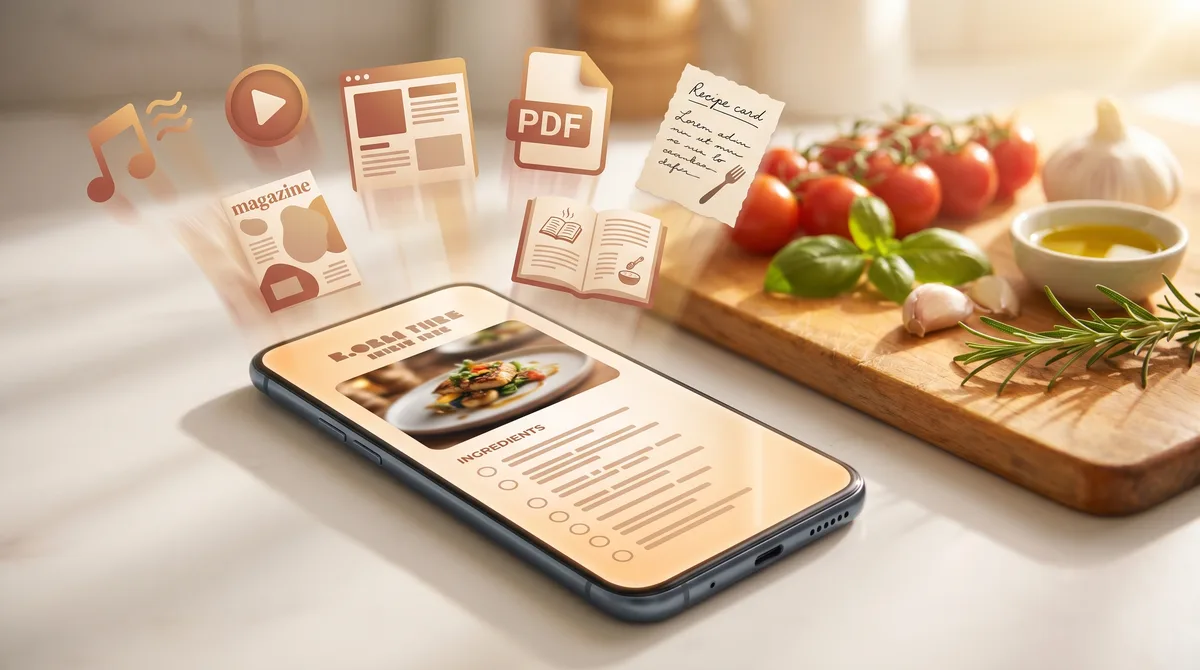
You found the recipe on TikTok last Tuesday. Or was it Instagram? You screenshotted the ingredients. You bookmarked the blog post. You took a photo of your grandma's handwritten card. You emailed yourself a PDF. You have 47 browser tabs open right now and one of them is the chocolate chip cookie recipe you swear you're going to make this weekend. Recipe websites are a mess. Your phone is a graveyard of screenshots. The cookbook on your shelf is the only thing not connected to anything else. There's a better way.
Meet Forktastic
Forktastic is the AI recipe app for home cooks who are tired of recipe chaos. We built it to be the one place every recipe you'll ever cook can live — pulled from any website, any social video, any photo, any document, all parsed by AI and organized into a library you actually own.
Two things make Forktastic different from every other recipe management app. First, we import from anywhere — not just a curated list of food blogs, but any URL with a recipe, plus TikTok, Instagram, YouTube, photos of cookbook pages, PDFs, and more. Second, Forktastic is social: public cookbooks, public recipes, reviews, and an explore feed that turns a personal library into a living community of home cooks.
Import recipes from literally anywhere
This is the part most recipe apps get wrong. They support a few popular sites and tell you to type the rest in by hand. Forktastic uses AI to extract recipes from structured data when it's available (the JSON-LD that powers most modern recipe sites) and falls back to OCR and natural language understanding when it isn't — so it works on virtually any recipe page on the web, not just a hand-picked shortlist.
Paste any URL
AllRecipes, NYT Cooking, Simply Recipes, RecipeTin Eats, Bon Appétit, Serious Eats, BBC Good Food, plus thousands of food blogs and magazine sites. Drop the link in — Forktastic does the rest. No more scrolling past life stories, pop-ups, and ads before you even see the ingredients.
Save from TikTok, Instagram, YouTube, Pinterest, and Facebook
This is the one everyone asks for. Share a TikTok cooking video to Forktastic and the AI watches the video, listens to the audio, reads the caption, and extracts a structured recipe with ingredients, steps, and timings. Same goes for Instagram Reels, YouTube Shorts, Pinterest pins, and Facebook recipe videos. The social recipe app you've been waiting for.
Snap a photo of a cookbook page
Cookbook page, handwritten index card, magazine clipping, the back of a soup can — if you can photograph it, Forktastic can read it. Multi-image support lets you capture up to four photos at once, which is exactly enough for a two-page cookbook spread or a recipe that runs onto a second card.
Import PDFs and documents
Got a PDF cookbook? A DOCX file your aunt emailed you? An ODT export from some ancient app? Drop it in. Forktastic parses the document, finds the recipes inside, and imports each one as its own entry.
Paste free-form text
Sometimes you just have a description. "Sear chicken thighs, then braise in white wine with shallots and tarragon for 45 minutes." Paste it in. The AI structures it into a proper recipe.
The in-app browser
Browse recipe sites without ever leaving Forktastic. Find something good, tap once, and it's in your library.
Migrating from Paprika 3
If you're coming from Paprika 3, drop your .paprikarecipes archive (up to 100MB at a time) and Forktastic imports the entire collection — ingredients, instructions, notes, the lot.
Or just type it in
For the recipes that live in your head, there's a clean structured form. Manual entry, no friction.
Every recipe page on the web. Every video. Every photo. One library.
A community-powered cookbook
A recipe library shouldn't be a silo. Forktastic has a built-in social layer that lets you share what you cook, discover what other home cooks are making, and pull the good stuff back into your own collection.
Public cookbooks
Flip any cookbook to public and it gets a shareable URL at forktastic.com/c/<slug>. Send it to family. Post it on socials. Bookmark it for yourself across devices. Public cookbooks show follower counts so you can see what's catching on.
Public recipes
Same idea, one recipe at a time. Any recipe in your library can be made public with a clean slug URL at forktastic.com/r/<slug> — perfect for sharing a single dish without exposing your entire library.
The explore feed
An admin-curated featured carousel sits at the top, with trending public cookbooks underneath. Follow the cooks whose taste you trust. When a public recipe catches your eye, one tap imports it into your personal library — with the original source tracked, because credit matters.
Reviews that actually mean something
Five-star ratings, photo uploads of what you cooked, threaded replies for back-and-forth, and upvotes so the most helpful tweaks bubble to the top. Real feedback from real home cooks, not a wall of "this looks great!" comments.
Family sharing
Meal plans and grocery lists sync across up to six family members. One person plans the week, everyone sees what's for dinner, and whoever's at the store has the live list.
From recipe link to dinner table
Importing recipes is the start. Getting them onto the table is the point.
Cook Mode
Hands-free, step-by-step recipe display with the screen kept awake so it won't lock when your hands are covered in flour. Voice commands move you forward: say "next step" and you're on to the next one. Cook with confidence.
Meal planning
A weekly calendar with four meal slots per day. Drag recipes in, rearrange them, and Forktastic sends a weekly reminder push notification on the day and time you choose so you never start Sunday wondering what to cook.
Smart grocery lists
The grocery list auto-generates from whatever's on your meal plan. Need to grab a few things outside the plan? Quick grocery add lets you pick recipes, adjust servings, and toggle ingredients in or out before you commit. When you're ready to shop, hand the whole list off to Instacart in one tap.
PDF cookbook export
This one's a sleeper hit. Pick recipes from your library, choose from 24 cover templates (light, warm, pink, purple, blue, green, and earth-tone palettes), select stacked or compact layouts, and Forktastic builds a multi-recipe PDF cookbook with your custom cover photo. A six-step guided flow walks you through it. Make one for yourself. Make one as a gift for your in-laws. The grandparents will lose their minds.
Smarter every time you cook
The AI doesn't stop at import.
Photo Match
Snap up to four photos of what's in your fridge or pantry. Forktastic identifies the ingredients, ranks the recipes in your library by percentage match, and lets you tune the threshold. "What can I make with these four things?" answered in seconds.
AI-generated recipe images
Imported a recipe with no hero photo? Forktastic generates a beautiful image for it using Google Gemini Imagen, so your library looks like a cookbook even when the source didn't bother.
Recipe scaling
Cooking for two instead of six? Adjust the servings and every ingredient quantity recalculates proportionally. No more napkin math.
Nutrition and health logging
Per-recipe nutrition info is captured during import. Log a cooked meal straight to Apple Health on iOS or Google Health Connect on Android, so the food side of your wellness data is finally in one place.
Wherever you cook
Forktastic runs everywhere you actually use a recipe. There's an iOS app (built on Expo SDK 53 and React Native) and an Android app from the same codebase, with a full web companion at forktastic.com that picks up exactly where you left off. The Chrome and Firefox extensions add one-click recipe extraction from any food site you're browsing — no copy-paste, no app switching.
The interface ships in six languages: English, Spanish, French, Dutch, Portuguese, and Arabic. And for the AI-curious: Forktastic exposes an MCP server (Anthropic's Model Context Protocol) so AI agents can query your recipe library programmatically — useful if you're building your own kitchen assistant.
Why we built Forktastic
Recipe chaos isn't a UX problem. It's structural. Every home cook on Earth is rebuilding the same personal library across eight different apps — screenshots in Photos, links in Notes, bookmarks in Safari, saves in Instagram, pins on Pinterest, PDFs in Dropbox, a Paprika collection that won't talk to anything, and a folder of handwritten cards that won't talk to a computer at all.
The bet behind Forktastic is simple: one universal library that ingests from every one of those sources, plus a social layer that makes the library grow over time as you discover what other cooks are making. No more lost recipes. No more missing ingredients. No more starting from zero every time you change devices, apps, or kitchens.
We're a small team building this because we wanted it to exist. We hope you'll use it.
What's next
This is the first post, not the last. Coming up: deep dives into each major feature, a walkthrough of migrating from Paprika 3 without losing a single recipe, a tour of the explore feed and how public cookbooks grow, and a developer-facing post on the MCP server for anyone building AI agents that need recipe data. Subscribe, follow along, and tell us what to write next.
Get started
Download Forktastic on iOS, Android, or use the web app. Save recipes as you browse with the Chrome and Firefox extensions. Welcome to the kitchen.